
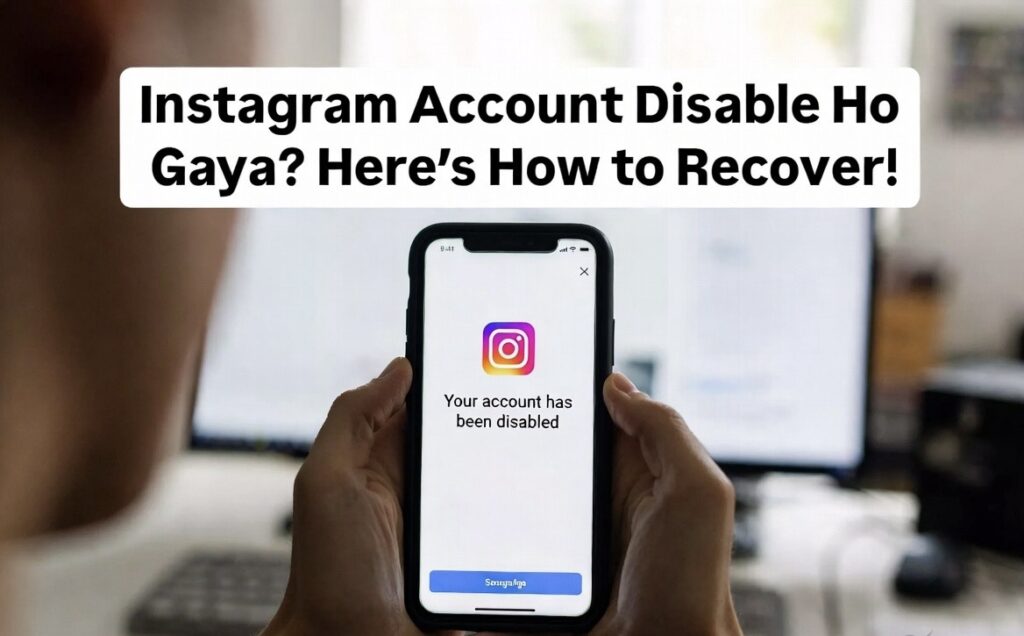
Sach bolu toh… jab mera khud ka Instagram account disable hua tha, mujhe laga sab khatam ho gaya Photos, followers, reels… sab gayab. Aur sabse badi problem login bhi nahi ho raha tha.
Agar aap bhi same situation me ho, tension mat lo. Main yaha real experience + working solution share kar raha hoon jo actually kaam karta hai.
Instagram Account Disable Kyun Hota Hai?
Instagram bina reason ke account disable nahi karta. Kuch common reasons hote hain:
- Community Guidelines violation (spam, abusive content)
- Zyada follow/unfollow karna ek din me
- Third-party apps ka use (growth apps ya automation)
- Fake activity (bots ya suspicious login)
- Multiple user reports
Official source: Instagram Help
Real-Life Example (Mera Experience)
Maine ek baar ek followers badhane wala app try kiya tha. 2 din sab normal tha… fir ek din login kiya “Your account has been disabled”. Us moment pe samajh hi nahi aaya kya karu. Tension, frustration, aur panic sab tha. Lekin patience aur proper steps se maine account wapas pa liya.
Instagram Account Recover Kaise Kare (Step-by-Step)
Step 1: Login Try Karo
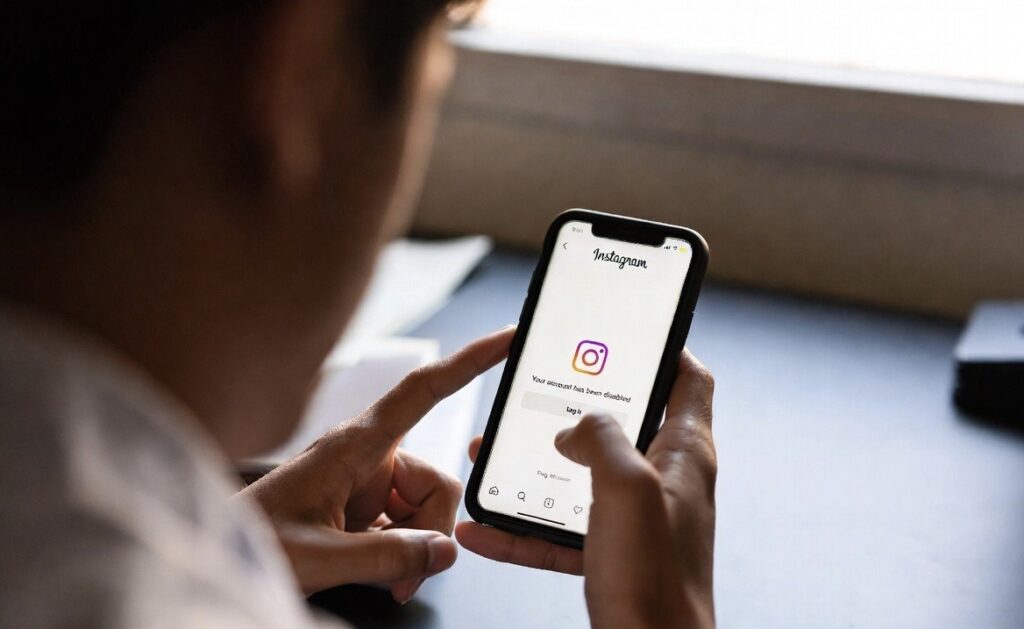
– Instagram app open karo
– Username aur password enter karo
Agar error aaye: “Your account has been disabled” iska matlab recover hone ka chance hai ✔️
Step 2: Appeal Form Fill Karo
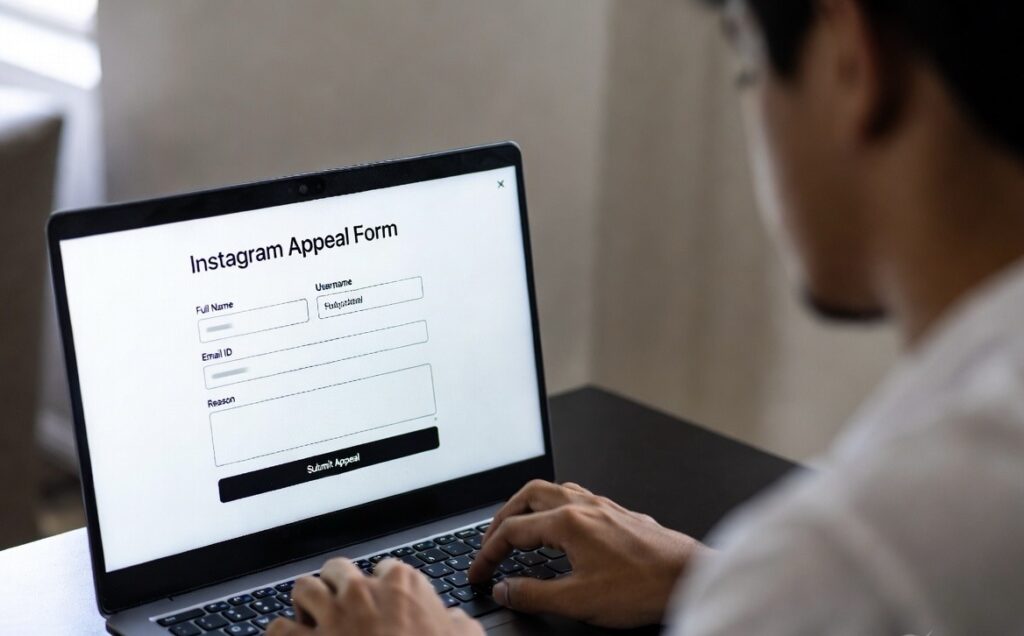
Form link: Instagram Appeal Form
Form me kya bharna hai:
- Full Name
- Username
- Email ID
- Reason (simple rakho)
Example: “I believe my account was disabled by mistake. Please review it.”
📌 Tip: Over-explain mat karo. Simple aur clear likho.
Step 3: Email Verification Complete Karo
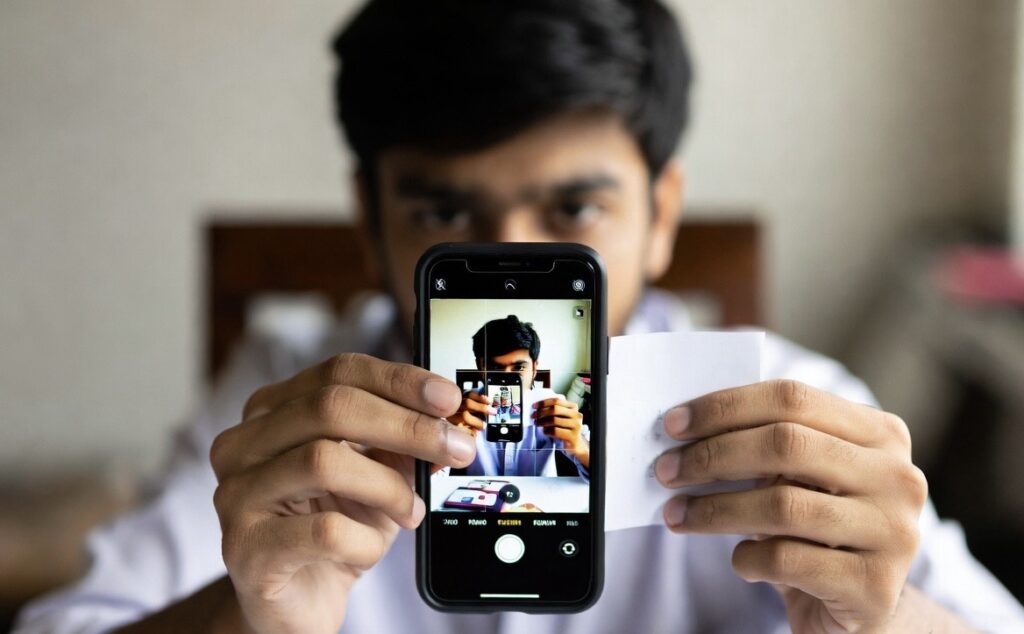
Form submit ke baad Instagram email bhejta hai. Usme aapse bola jayega: ek code ke sath apni photo bhejo.
Kaise kare:
- Ek plain white paper lo
- Code likho (jo email me diya hai)
- Apni selfie lo uske sath
- Reply me send karo
📸 Ye step skip mat karna ye verification ka main process hai.
Step 4: Wait Karo

Patience sabse important hai:
- Bar-bar form submit mat karo ❌
- Ek baar properly submit karo ✔️
Time lag sakta hai: 24 hours se 7 din normal, kabhi kabhi 2–3 weeks bhi
Step 5: Follow-up Karo

Agar 5–7 din me reply nahi aaye:
- Same form dubara submit karo
- Ya email me politely follow-up karo
Kya Galtiyan Avoid Karni Chahiye?
- ❌ Fake info fill karna
- ❌ Multiple emails spam karna
- ❌ Third-party recovery tools use karna
- ❌ Paid recovery services pe trust karna
Ye sab aapka account permanently ban kar sakta hai.
Future Me Account Disable Hone Se Kaise Bache?
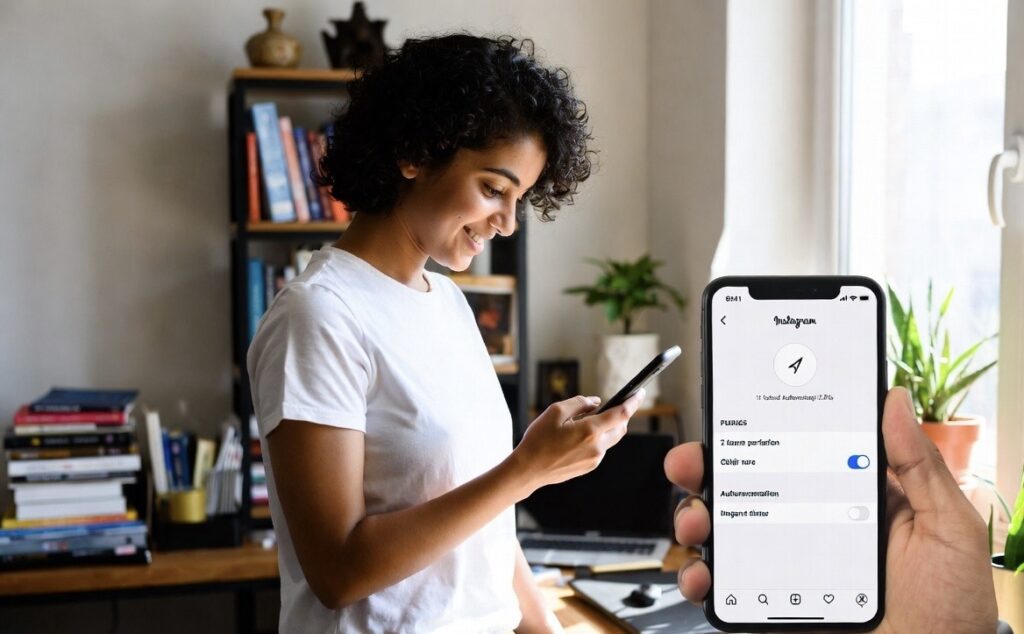
Safe Practices:
- Official Instagram app hi use karo
- Unknown links aur suspicious apps avoid karo
- Automation tools aur bots use mat karo
- Ek din me zyada follow/unfollow mat karo
- Strong aur unique password use karo
💡 Tip: Two-factor authentication enable karo taaki account secure rahe.
- Login error screen Alt-text: instagram account disabled error message
- Appeal form screenshot Alt-text: instagram appeal form kaise fill kare
- Verification selfie example Alt-text: instagram verification code selfie example
- Infographic: “Instagram Account Disable Hone Ke 5 Major Reasons” Alt-text: instagram account disable reasons infographic india
Official Source Links
FAQs
1. Instagram account recover ho sakta hai?
Haan, agar violation serious nahi hai toh recover ho sakta hai appeal ke through.
2. Kitna time lagta hai account wapas aane me?
Usually 24 hours se 7 din, kabhi kabhi zyada.
3. Kya permanently banned account wapas aa sakta hai?
Agar serious violation hai toh mushkil hai, lekin try karna chahiye.
4. Kya paid service se account recover hota hai?
Nahi. 90% scams hote hain. Avoid karo.
5. Same email se naya account bana sakte hain?
Haan, lekin purana recover hone ke chances kam ho jate hain.
6. Instagram account disable hone par followers aur photos chali jaati hai?
Nahi, account recover ho gaya toh data wapas milta hai.
7. Appeal form fill karne ka best time?
Subah ya afternoon, working hours me submit karna better hota hai.
8. Kya verification selfie sabko chahiye hoti hai?
Haan, Instagram verification ke liye personal photo mandatory hai.
9. Multiple appeals bhejne chahiye?
Ek properly filled appeal sabse effective hoti hai, bar-bar bhejna avoid kare.
10. Future me account disable hone se kaise bache?
Official app use karo, suspicious apps avoid karo, automation tools mat use karo, strong password aur 2FA enable karo.